01
See the form
Add a simple form, or at least a visible sales email address.
Free B2B AI Visibility Checker
Last checked 2026-10-15 · 21 checks · Read-only, no browser
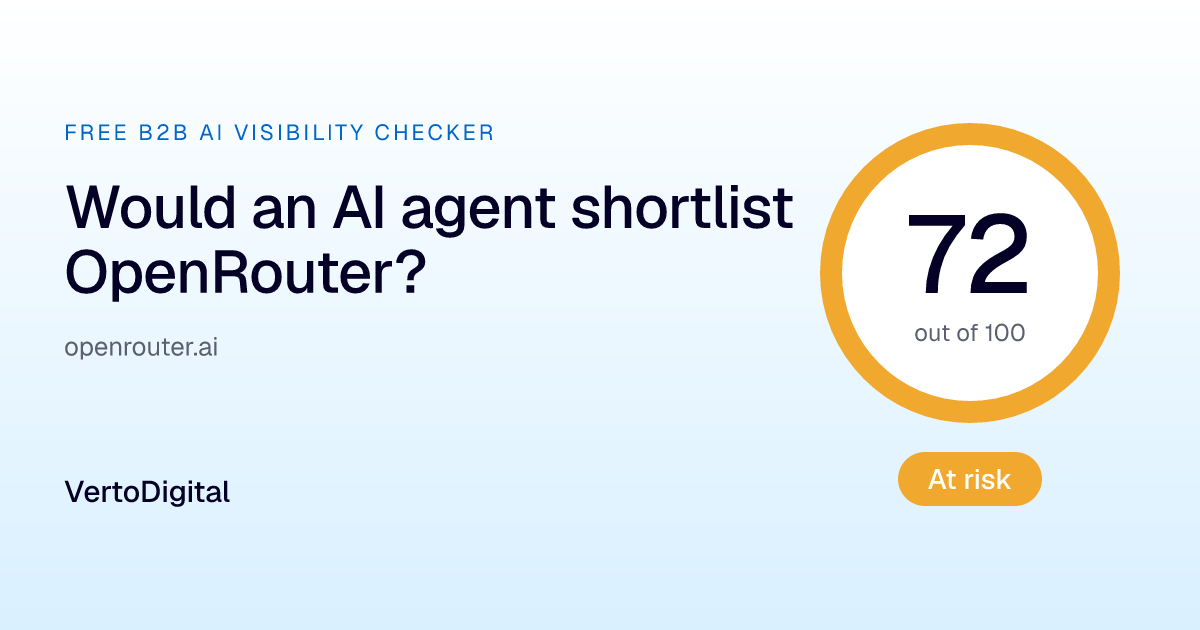
At risk
AI agents consider OpenRouter, but lose the way before buyers reach the sales team.
Research
Website readability
35/35 pts · 8/8 passed
Evaluate
Product access
9/15 pts · 2/5 passed
Reach out
Agent conversion
20.5/43 pts · 2/6 passed
The agent read your site and understood what you do. It found your contact page at /support, but found no form there. Journey ended.
01
Add a simple form, or at least a visible sales email address.
02
Link your demo or contact page from the homepage navigation with a clear label like "Book a demo" or "Contact sales".
03
Describe what each tool does, when to use it and what it returns, in plain language.
AI search and assistant bots are allowed to read your site.
Training bots: GPTBot: allowed, ClaudeBot: allowed, Google-Extended: allowed, CCBot: allowed. Blocking these is a valid choice and doesn't affect this score.
Your homepage lets in requests that identify as ChatGPT, Claude and Perplexity, and serves them the same page as a browser.
Your pages carry real text in the page code (491 words on the homepage, 1833 on a typical key page).
None of your key pages are hidden from search and AI.
Your pages clearly state what they are: titles, descriptions and headings are in place.
Your site identifies OpenRouter with structured data, so AI can connect the website to the brand.
Your sitemap is valid, linked and up to date (we checked 3 of the 11 sitemaps in your index).
Your homepage responds quickly (58 ms, median of 5 requests).
You publish an llms.txt file and markdown versions of your pages. Early, and a good signal.
AI agents can discover your MCP server from your website, at https://openrouter.ai/docs/guides/overview/mcp-server.
Your MCP server answered initialize but not tools/list.
How to fix: Check the endpoint's availability and response time.
Your MCP server did not return a tool list.
How to fix: Describe what each tool does, when to use it and what it returns, in plain language.
An agent can work out how to connect to your MCP server.
We couldn't find an OpenAPI spec.
How to fix: Link developer docs from the homepage and publish your OpenAPI spec at a discoverable URL.
Your contact page exists at /support, but isn't linked from the homepage.
How to fix: Link your demo or contact page from the homepage navigation with a clear label like "Book a demo" or "Contact sales".
Your contact page lets in requests that identify as ChatGPT, Claude and Perplexity.
We couldn't find a form on your conversion page.
How to fix: Add a simple form, or at least a visible sales email address.
Not scored: an agent can't understand a form it can't see.
You give agents a direct route: ContactPoint data, contact API.
Your case studies are readable text, so agents can use them as proof.
Your sign-up page loads only with JavaScript.
How to fix: Make the sign-up page reachable and readable without JavaScript.
Send the report to your web team, or post your score on LinkedIn.
| Would a buyer's AI agent shortlist us? I ran OpenRouter through VertoDigital's Free B2B AI Visibility Checker and we scored 72/100 (At risk). | |
 | |
| The agent read your site and understood what you do. It found your contact page at /support, but found no form there. Journey ended. | |
| What we should fix first | |
| |
| |
| Checked with VertoDigital's Free B2B AI Visibility Checker: read-only, no browser, the way AI agents read a site. |
Comparisons are private. Only people with the link can see them.
How we checkedIs this your company? Request an update or removal
Our Pipeline Readiness Assessment is a complimentary 5-day diagnostic across paid efficiency, organic and AI search visibility, and pipeline data, with a 30-minute debrief from a specialist.